
The problem
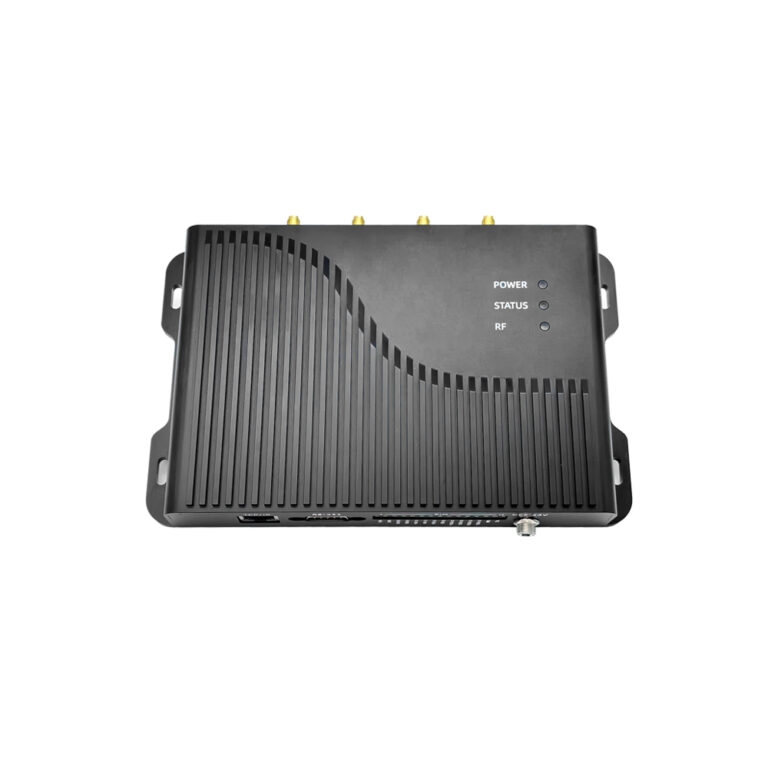
Tags go unread. Inventory counts are wrong. Projects stall. Often the issue is the reader, not the tags. Check the hardware and placement first; a matched unit such as UHF RFID Readers usually solves basic range and sensitivity gaps.
What matters
Read range, antenna gain, firmware stability, and power settings define success. Metal and liquids kill reads unless you choose antennas and mounting that offset reflections. Integration matters: middleware that filters duplicates and timestamps reads prevents phantom inventory.
Real testing and trust
I’ve run field tests at RFID Journal Live and measured read rates across common layouts. Lab validation plus live trials reveal real limits. I cross-checked units from a known rfid uhf reader supplier to verify advertised ranges against measured performance. Those steps reduce surprises.
Common mistakes
Placing readers behind metal racks. Using default power and gain. Expecting single-antenna coverage for broad aisles. Ignoring firmware updates. Relying on vendor specs alone without a short site test.
Alternatives
Fixed readers for continuous lanes. Handhelds for audits. Portals for choke points. External antennas to shape coverage. Consider cost vs. persistence: handhelds low cost but slower; fixed readers higher capex but continuous data.
Decision checklist
Run a short site read test. Map tag-density and interference. Choose antennas that match mounting points. Lock firmware and verify power limits. Test middleware filtering. Train one operator on basic troubleshooting.

The fix
Start with targeted tests, adjust antenna placement, and lock firmware versions. If you follow the checklist and validate with field data, deployments stabilize. That practical path is what RSTC builds into its reader setups, so installations behave as expected without extra fuss.